


 This evening Jenny and I watched “Scott Pilgrim vs. The World”. I knew very little about the movie beforehand but was quite happily surprised. I can understand why some people dislike the film because it’s a little “out there” and if your not a fan of video games then it’s probably not for you.
But me, I grew up playing video games. I love video games. From the Apple IIe to the Amiga to the Atari 2600 to the original NES, I have been playing them all my life. I beat the first mario brothers in a donut shop that still exists down the street from me. So after watching Scott Pilgrim I was pretty inspired by it.
It was one of those movie experiences that made me wish I could make a movie just like it as my creative thing. The cartoon Samurai Jack popped into my brain because I feel like in some sequences of Scott Pilgrim they directly borrow from it. Samurai Jack, in my opinion, is one of the coolest cartoons ever and is still highly underrated.
I went onto the internet and googled Samurai Jack. I came across a couple blogs by actual background painters from the show. The backgrounds from Samurai Jack are so good that I cannot put into words how much they inspire me. Going through these blogs and looking at their artwork made me wish I had on 1/8th of the talent these guys have. Truly beautiful and amazing! (Check it out for yourself: The blog of Artist Bill Wray, Mad About Cartoons and the blog of artist Scott Wills, Candy Cane Land.)
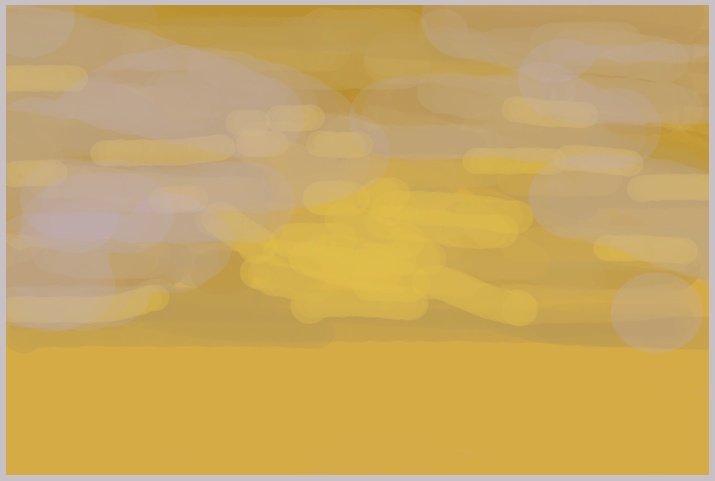
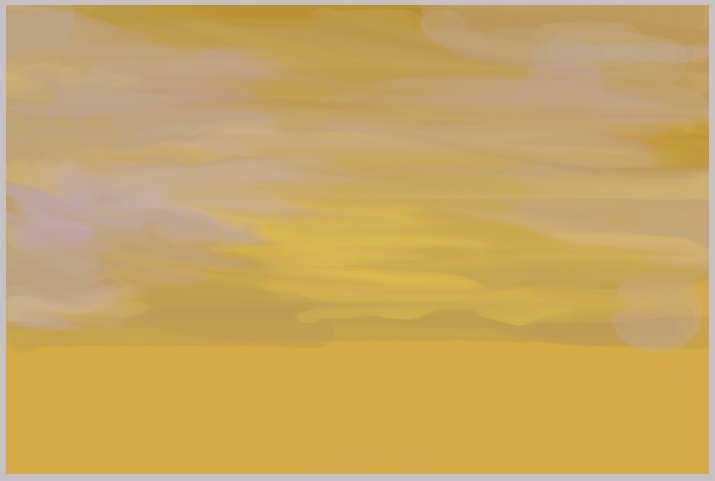
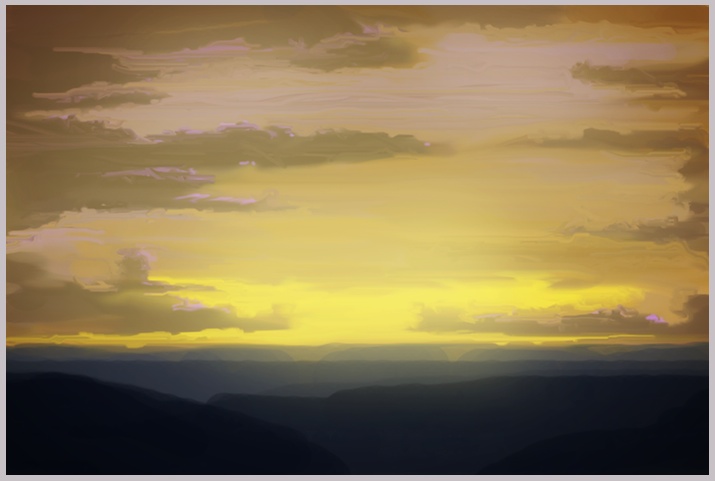
So, for my creative thing I decided to create my own background painting. I know very little about actually painting in photoshop. Most of my experience in the software is based in doctoring images with masks and filters. I’ve never made something from scratch using the brush tool.
I looked up some tutorials but none of them really teach you how to do something like this. They make suggestions and give you tips but really a lot of it comes down to practice. I did see one commonality between the tutorials in that most paintings start of with large thick brush strokes that continually get refined down into smaller ones. Using the Smear tool was the other trick that I found helped me in creating more detail.
I’m pretty happy with the results being that it was my first time. I certainly could’ve kept refining but I had to go to bed at some point. I definitely learned a whole heck of a lot about the brush and smear tool. Yet, I can also see that I have a whole world of things to learn about painting in the computer.
Comments
2 responses to “Day 296 / Painting In Photoshop”
I think yours is quite well done. Thanks for the links!
I just saw this. Ha!
http://www.theonion.com/articles/half-of-26yearolds-memories-nintendorelated,2361/